
A lot of damage happens when you are not in the car: a shopping-cart bump, a door ding, a hit-and-run in a garage, or someone trying the doors. Parking mode is the feature that tries to keep the camera awake for those moments. It is not a security system for your house, and it will not always catch a useful plate. Used with the right power setup, it can still turn a mystery scratch into a clip you can show an insurer or the police.
This article is about using parking mode as evidence after vandalism or a parked-car collision. For how the feature itself works — motion detection, time-lapse, low-voltage cutoffs — start with parking mode explained and hardwiring versus a 12V socket.
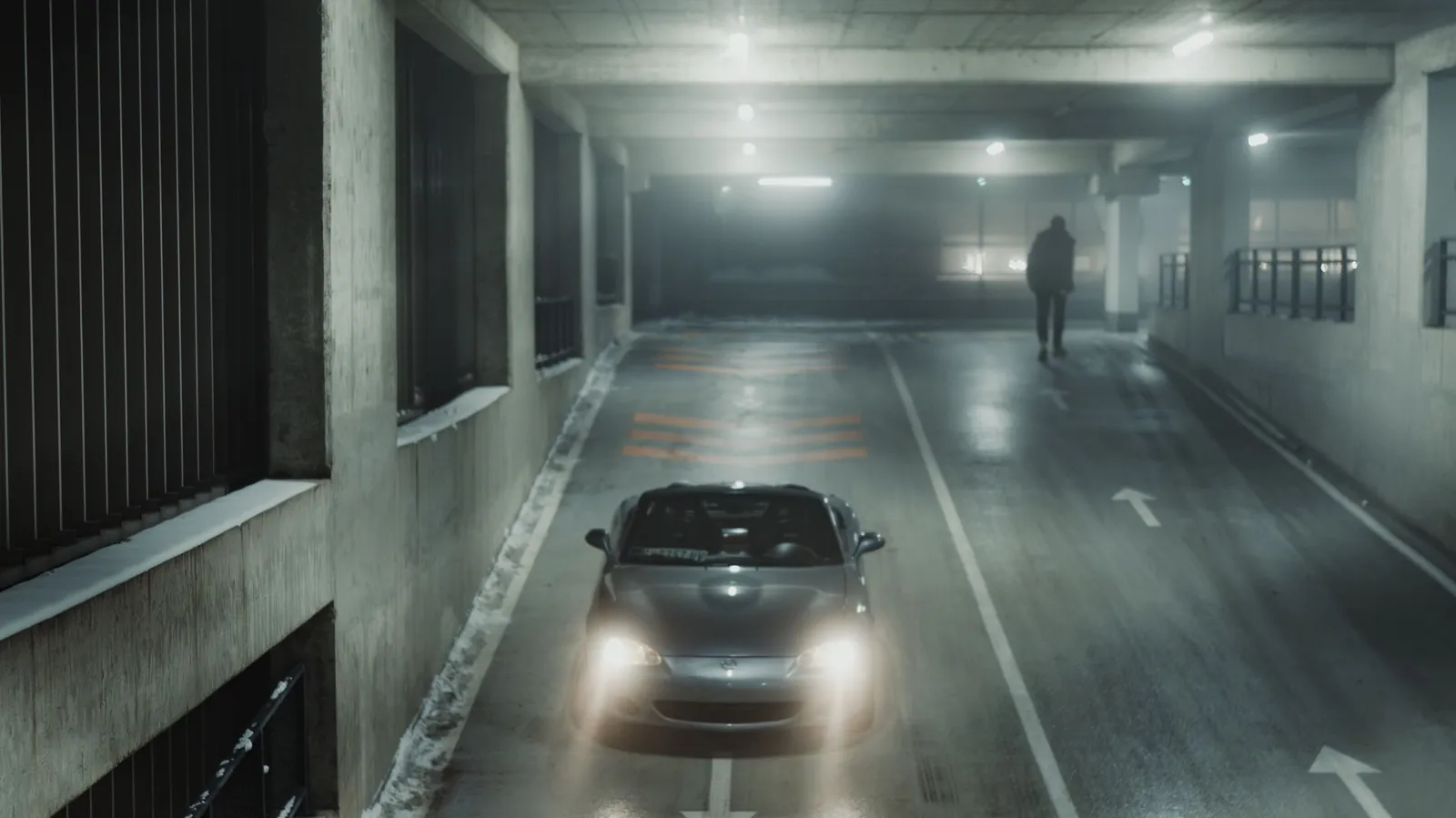
What “something happened in the lot” usually looks like
Parked-car incidents come in a few common shapes:
- A moving car clips your bumper or mirror and leaves.
- A cart, a load, or a door in the next space leaves a dent you only notice later.
- Someone keys a panel, breaks a window, or tries the handles.
- A break-in that may also take the camera if it is obvious on the glass.
In each case, the question is the same: is there a file that shows the other vehicle, a person, or at least the time and direction of the event? A clip that only shows a dark smear is frustrating, but a clip that shows a plate, a unique vehicle, or a clear time can support a police report and an insurance claim in the same way footage after a moving crash can.
What the camera needs in order to help
Parking mode is only as good as power, placement, and storage.
Power comes first. A camera that dies 20 minutes after you walk into a store will not see the ding that happens at minute 45. That is why parking mode is usually paired with a hardwire kit and a low-voltage cutoff that protects the starter battery. If you are not comfortable working around a fuse box, a professional installer is the safer option.
Placement matters just as much. A compact camera tucked behind the rear-view mirror is easier to live with and is often a better fit for windshield mounting rules. It also has to see the area where damage actually happens. A front camera will not document a rear bumper hit unless you have a rear unit that also stays on in parking mode. In a garage, pillars, ramps, and neighboring vehicles will block the lens the same way they block your eyes.
Storage is the third requirement. Parking mode can generate a lot of short clips, especially if the camera is sensitive to passing foot traffic or shadows. A high-endurance card and a sensible sensitivity setting matter more here than they do on a quiet residential street. If the card fills with false triggers, the one real event may already have been overwritten by the time you get back.
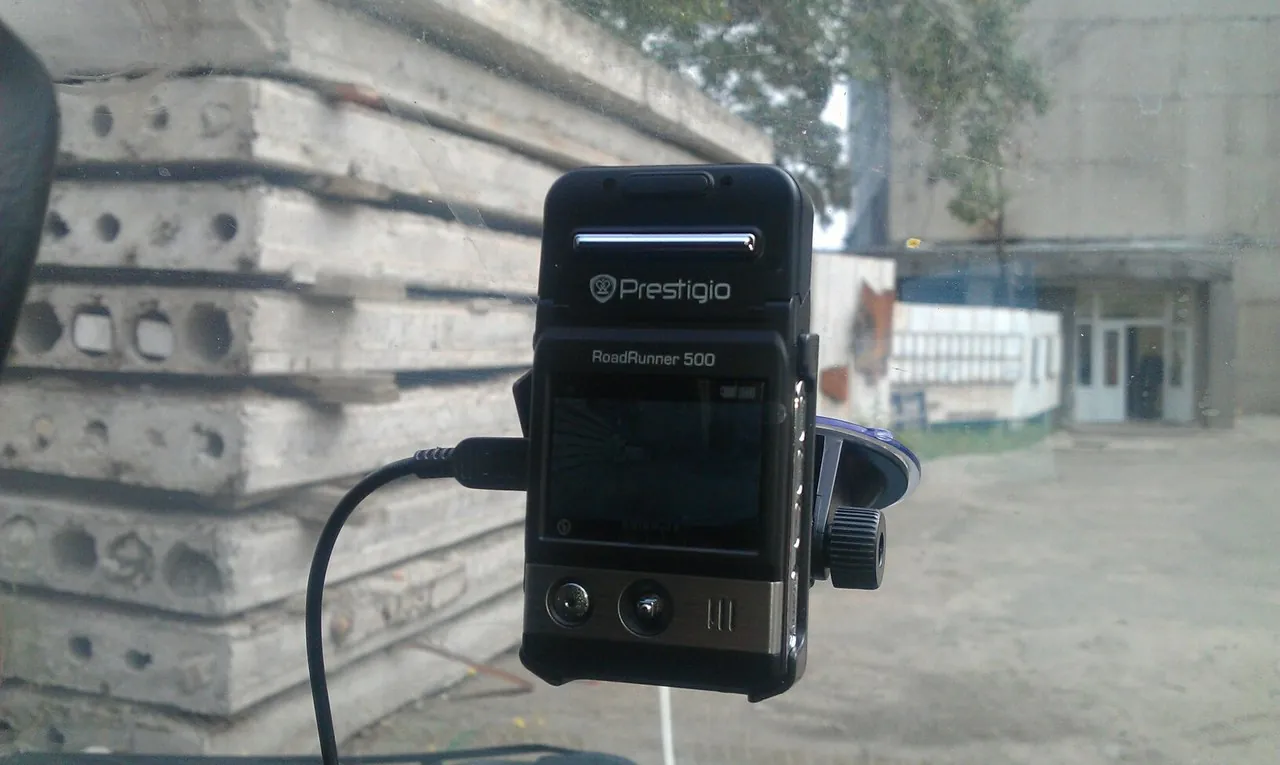

After you find the damage
The order of operations is close to a moving collision, with a few parking-lot differences:
- Make sure the area is safe, and do not confront someone you think is responsible if that would put you at risk.
- Lock and copy the footage before you drive the car, format a card, or let the camera keep looping.
- Photograph the damage, the surrounding spaces, and any nearby cameras that might belong to the property.
- Note the time you returned, the time you last saw the car undamaged, and the parking location.
- Check whether the property — a store, garage, or apartment lot — has its own surveillance you can ask about, in addition to your dash cam.
If you have a plate or a clear description, you can report a hit-and-run or vandalism to the local police using the process that agency publishes. Provide a copy of the clip, not your only copy. Your insurer may also want the file if you are making a claim; coverage for parked-car damage depends on your policy, deductibles, and whether a responsible party can be identified.
The limits you should expect
Parking mode misses events. Heat in a closed car can shut a camera down. A low-voltage cutoff can end recording while you are still inside a long appointment. Motion detection can ignore a slow roll into your bumper, or it can fill the card with people walking past. At night, a plate that would be readable in daylight may wash out.
A visible camera can also become a target. Some drivers prefer a smaller body that is harder to spot; others accept that a more obvious camera may deter a casual door ding and attract a thief. There is no perfect answer, only a trade-off you can choose on purpose.
Cloud or app uploads, if your camera offers them and you have a reliable connection, can help when the hardware itself is stolen. They are not a substitute for a local copy, and they often depend on a subscription or a completed upload. If you use that feature, test it before you need it.
A setup that is good enough for most drivers
If parked-car damage is the reason you want a camera, a realistic setup looks like this: a camera you have actually hardwired with a cutoff you understand, a card rated for continuous recording, parking mode tested in your usual lots, and a habit of copying event files when you see new damage. A rear camera adds a lot if rear bumper hits are the concern. An interior camera is less important for vandalism of the exterior, and it raises recording-law questions if you carry passengers.
Parking mode will not catch everything that happens to a car you left alone. It can still change a vague “someone hit me in the garage” into a short, dated record of what the lens saw — and that is often the difference between a guess and a report you can actually file.