
The most painful dash cam failure is not a soft picture. It is a file that existed for an hour and then disappeared — overwritten by loop recording, left only inside an app, or handed over as the only copy. After a crash, a hit-and-run, or vandalism, your job is to make the clip boringly safe before you do anything clever with it.
This guide is the file-handling companion to our after-an-incident checklist. It does not tell you how to argue a claim. It tells you how to get a durable copy off the camera and how to share that copy without giving away the original.
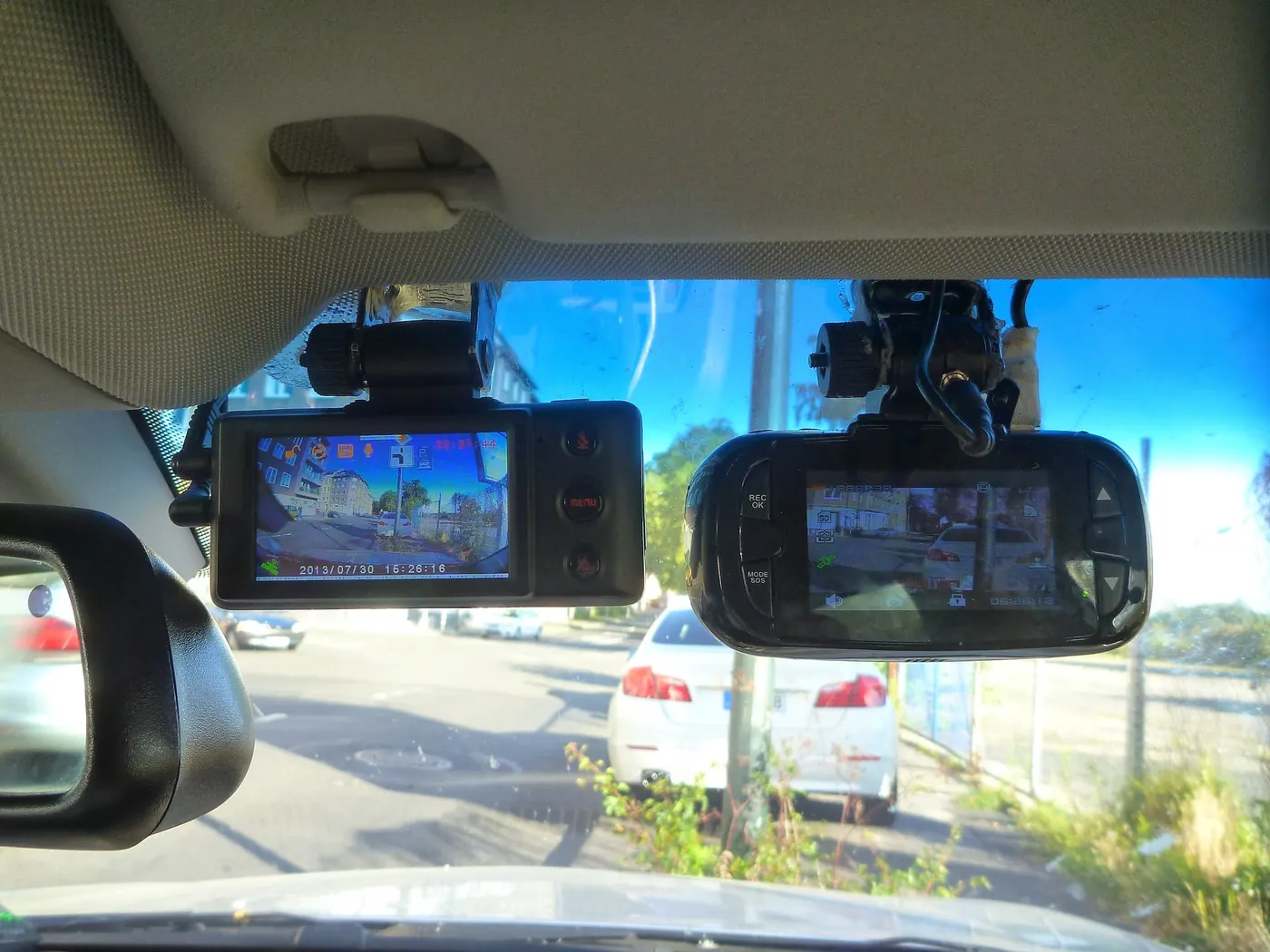

Lock the event, then copy it off the camera
Most dash cams continuously overwrite the oldest unlocked footage. An impact, a parking-mode trigger, or a button press may “lock” a clip so the camera is supposed to skip it on the next loop. Do not trust that protection until the file also exists somewhere else.
As soon as you are safe:
- Use the camera’s lock or event button if the clip is not already marked, or use the app if that is how your model works.
- Power the camera down only after you understand whether your model finishes writing a file on shutdown. When in doubt, leave it powered until you have copied the clip.
- Copy the file to at least one other place: a computer, a phone, or a spare drive. A second copy in a second place is better than one copy in the cloud and nothing locally.
- Do not format the card, “repair” it, or let the camera keep recording for hours on the same card until you have confirmed the copy opens and plays.
If you cannot remove the card at the scene, use the official app only as a temporary transfer, then copy from the card when you can. App exports are sometimes compressed or incomplete. The file on the card is the one to keep as the original.
A high-endurance microSD card is worth using for this workflow because dash cams write constantly. Format new cards in the camera, as the maker recommends, and replace a card that has started to throw errors rather than hoping it will hold the one file you care about.
Keep an original, and be careful with edits
When you copy the clip, keep the original file name, or keep a note that maps your renamed copy back to the original. Do not overlay text, cut out “the boring part,” or run the video through a random converter as your only version. If you need a shorter excerpt to email, export that as a separate file and label it as an excerpt.
If the camera writes a companion log — GPS, G-sensor, or a subtitle file — copy those too. They can help an adjuster or an investigator understand speed and location, but only if they still match the video. A converted MP4 that dropped the extra data is not always equivalent to the original package.
Watch the clip all the way through once you have a copy. Confirm that the event is actually on the file, that the time looks right, and that you have enough lead-in to show the approach, not just the moment of impact. If you have more than one camera, copy every channel that was recording.
Sharing a copy with your insurer
Ask the adjuster or the claims portal how they want to receive video. Some insurers accept a large file through an upload form. Others will want a link or a drive. Follow their process, and write down the claim number and the date you sent the file.
Send a copy, not your only copy. If you use a file-sharing link, make sure the link does not expire before they can download it, and do not put the original solely on a service you might lose access to. After you upload, confirm that the file plays on your own computer from the backup location, not only from the camera.
If the portal rejects a file because it is too large, try a second copy in a more common format — but keep the original. Tell the adjuster that a smaller file is a copy for convenience. For context on how footage is used in a claim, see how dash cam footage helps after a car accident.
Sharing a copy with the police
If officers are at the scene, tell them you have a camera and can provide a copy. They may collect a clip there, give you a later submission method, or simply note that a camera was present. Ask how that agency prefers to receive video if they want it after the fact — some have an evidence email or a portal, others will tell you to bring a drive.
Do not surrender your only card or your only copy unless you have been lawfully required to do so and you understand what you are handing over. If you are asked for the card itself, say that you can provide a complete copy and that you need to preserve a backup. This is not legal advice; if the situation is adversarial or unclear, speak with a lawyer.
Write down the report or incident number. When you follow up, use that number and describe the file in plain terms: the date, the approximate time, and what the clip shows.
Backup habits that make the bad day easier
The calm version of this process starts before a crash:
- Know how your camera locks a file and how you get it off the device. Practice once.
- Keep a card reader or a known-good cable in the house, not only “somewhere in the car.”
- If you use cloud or automatic upload, test it. An upload that never finished is not a backup.
- After any event you might need later — even a near miss — copy the clip the same day.
Parking-mode events have the same rules. A lot of short clips can make the right file harder to find, so check the time range and copy more than you think you need. See parking mode and vandalism if the damage happened while the car was left alone.
A dash cam is only as useful as the file you can still play next week. Lock it, copy it, keep an original, and share copies. That is the entire job.